
Buildings Management Portal (BMP), the successor to the Online Faculty System is now live.
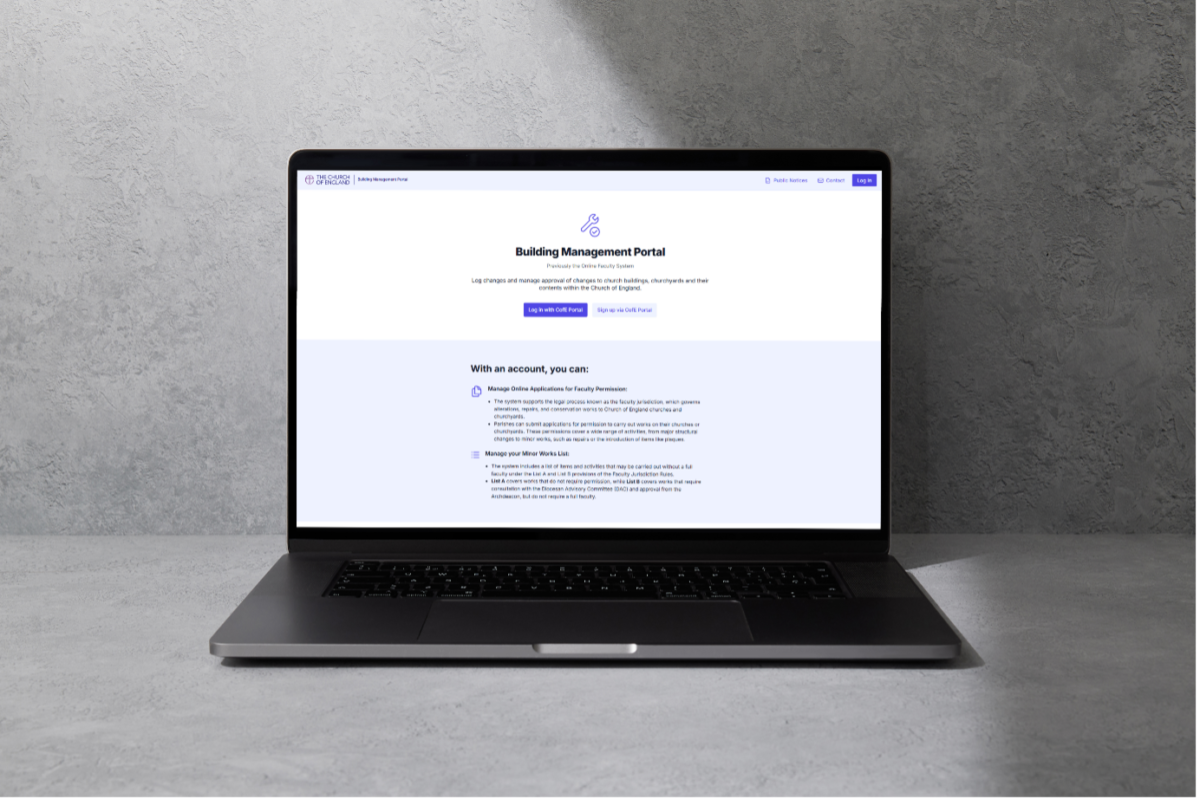
All users will need to register to use the new system to create new applications and access those already in progress. You can do so here →
The new system uses 2-factor authentication via the Church of England Portal. To gain access to BMP you will need to be registered on the CofE Portal. Click this link to check if you are already registered if you are unsure →
When registering you will need to select your Diocese, your role as ‘Applicant’ and the church you wish your account to be associated with. After your registration has been confirmed you can go into your account and select more churches if you will be making applications for more than one church.
For specific guidance on how to navigate the system you may find the training videos and guides on the Diocese of Gloucester website useful. There are help to guides including one for adding more churches: Buildings Management Portal Registration and Access – Diocese of Gloucester →
Please email Sash Giles at ku.gro.coidsolg@seligs or Teresa Hudson at ku.gro.coidsolg@nosduht for help or assistance with registration.

 News Hub